From setup to live screens in minutes
PulseScreen is designed to be simple. Follow five steps to get professional digital signage running across all your event displays — no technical knowledge required.
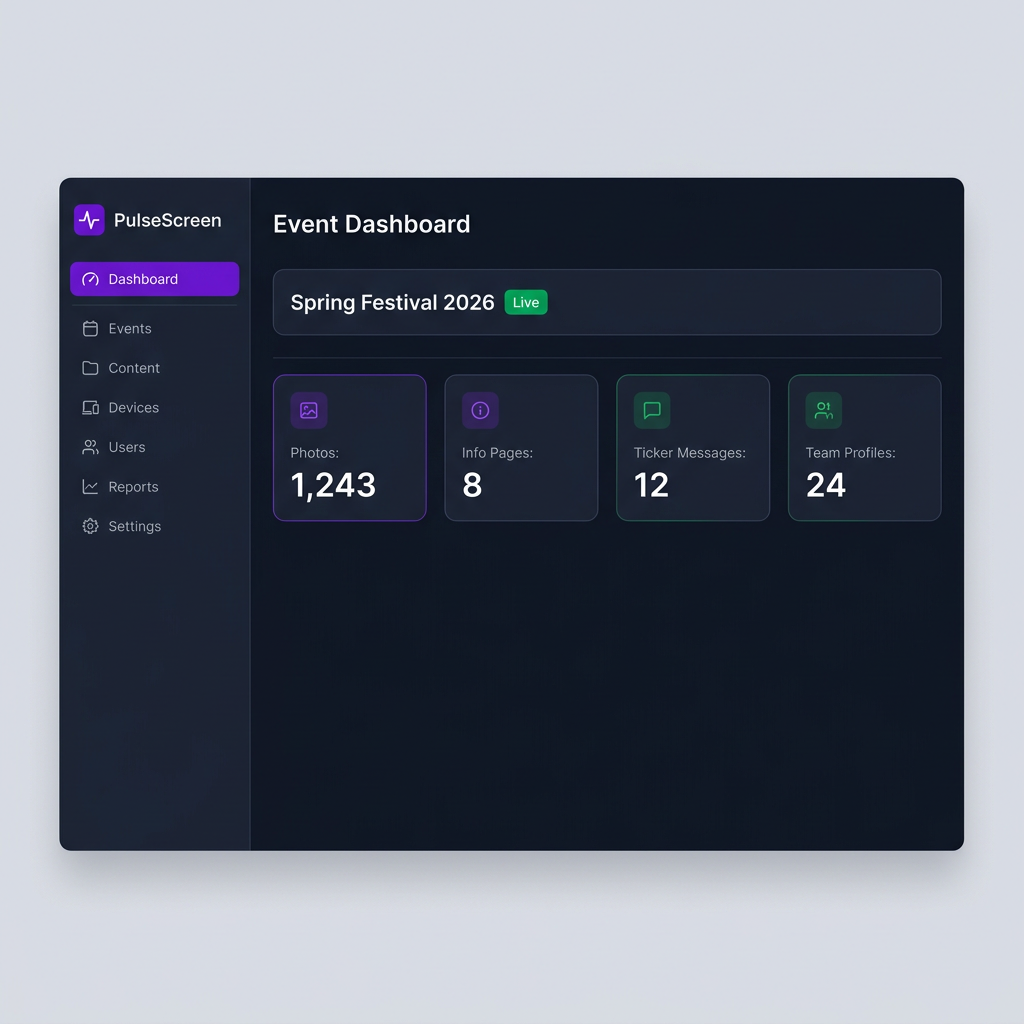
Create your organisation & event
Sign up and set up your tenant (organisation). Then create an event with a name, dates, and your branding colours. Each event gets its own isolated dashboard, channels, and settings.
- Custom name, logo & brand colours
- Start & end dates for lifecycle tracking
- Multiple events under one organisation
Connect your photo source
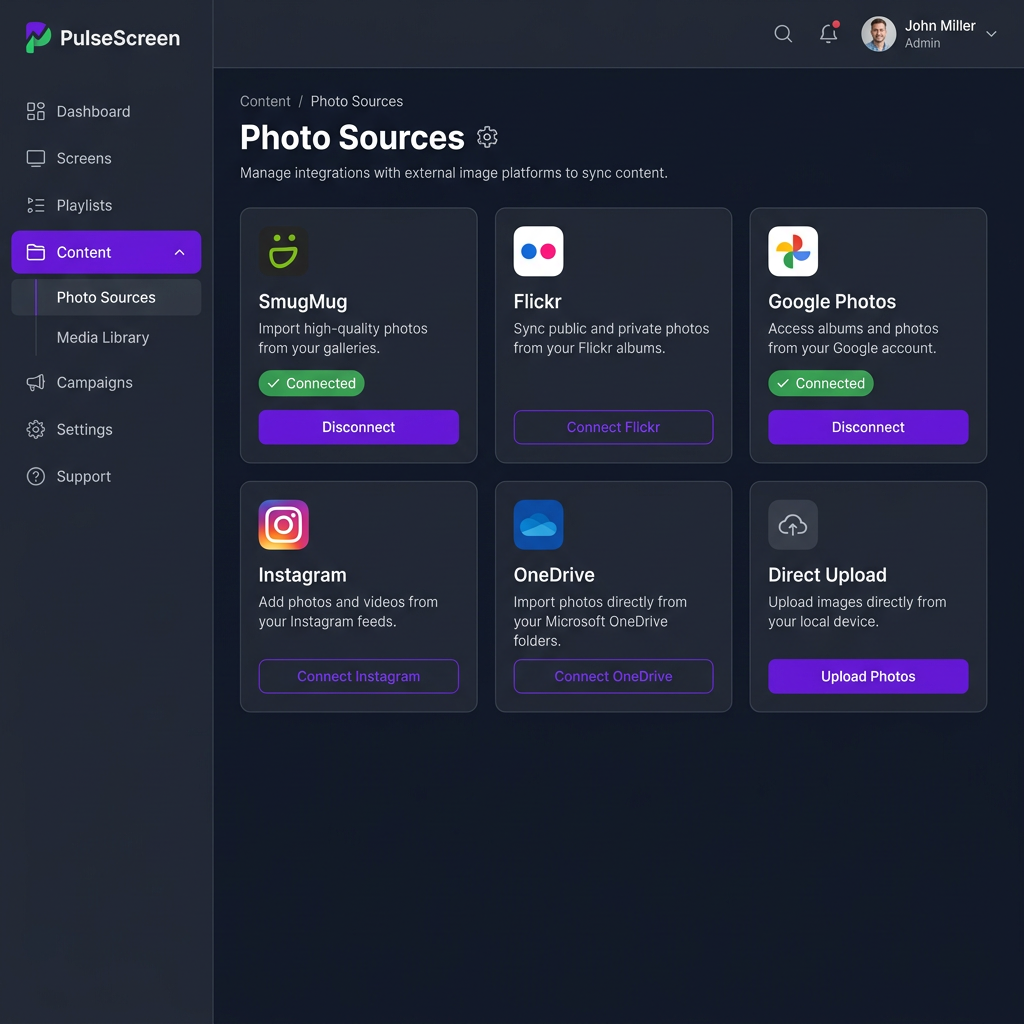
Tell PulseScreen where your photos live. Connect SmugMug to auto-sync your album, or upload photos directly. Flickr, Google Photos, Instagram, and OneDrive are coming soon.
- SmugMug — auto-sync albums with hourly updates
- Direct upload via the dashboard
- Flickr, Google Photos, Instagram & OneDrive coming soon
Set up your display channels
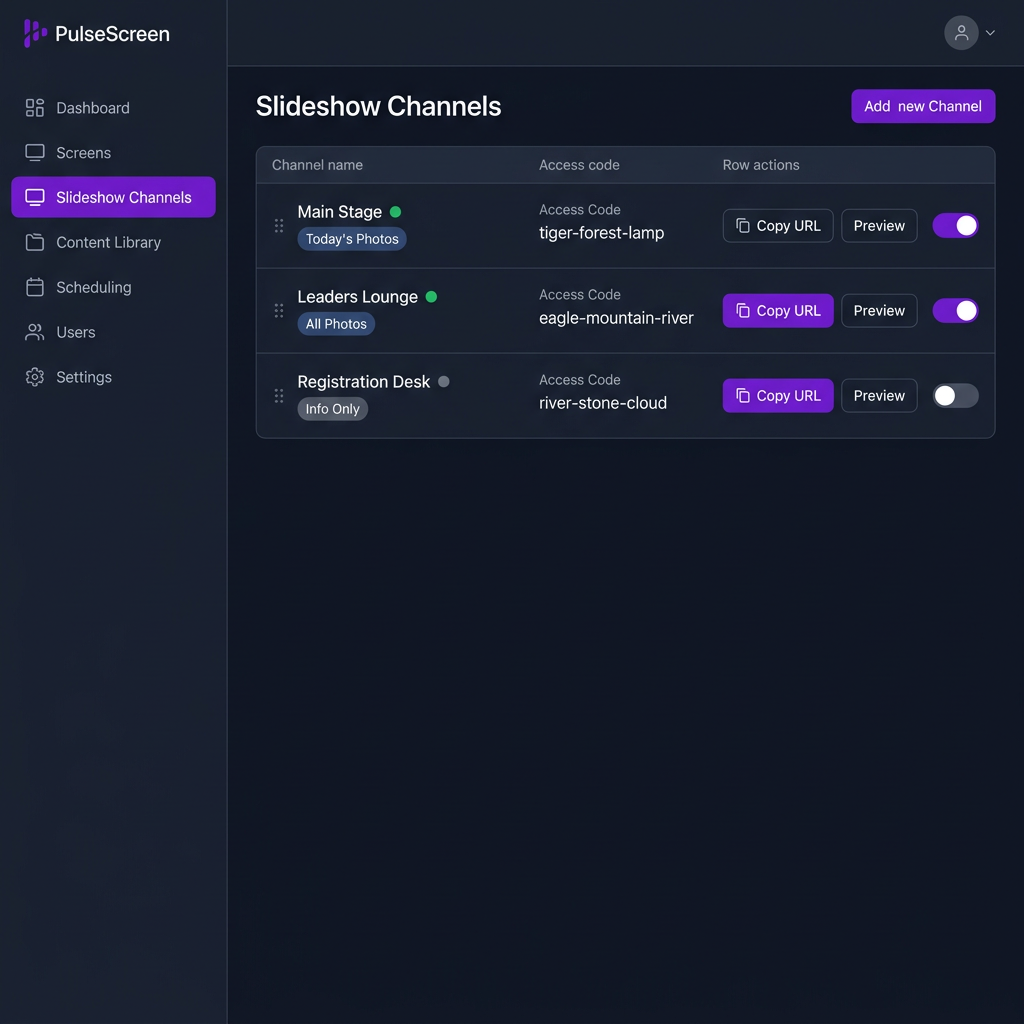
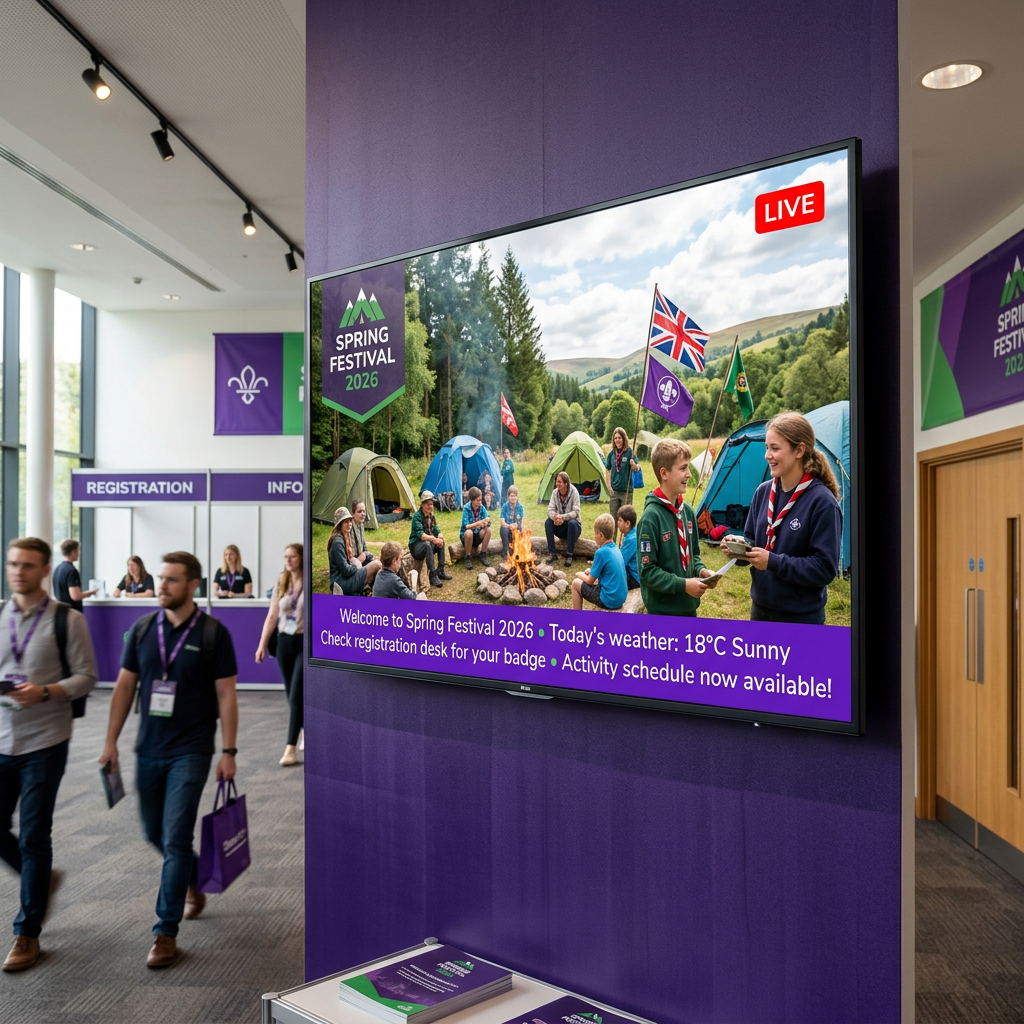
Each channel is a unique URL you open on a TV or monitor. Create channels for different areas — main stage, leaders lounge, registration desk — each showing tailored content.
- Unlimited named channels per event
- 3-word memorable access codes
- Today's photos, all photos, info-only, quiet & team modes
Add info pages, tickers & team profiles
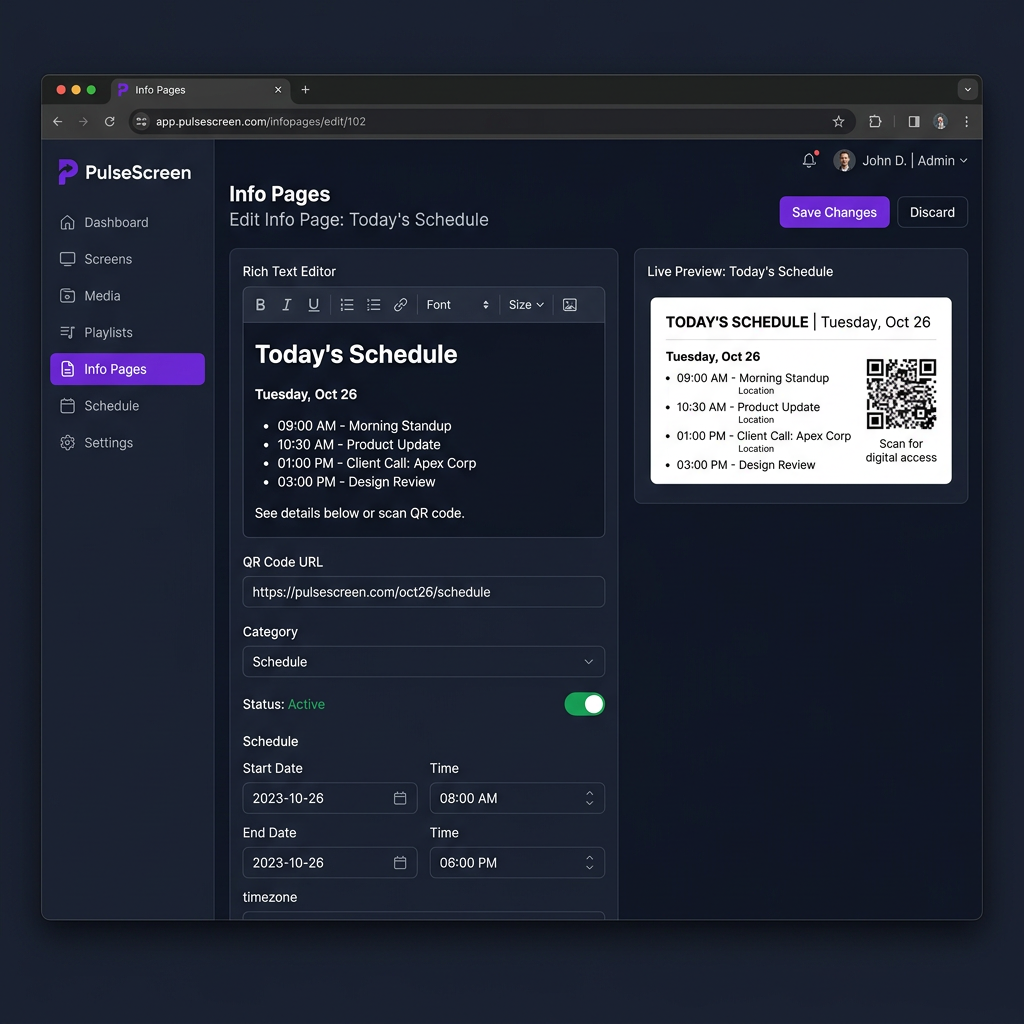
Enrich your displays with scrolling ticker messages, rich HTML info pages (sponsor boards, venue maps, schedules), and team/speaker profile cards that rotate into the slideshow.
- Rich HTML editor with image & QR code support
- Scrolling ticker with emoji & per-channel filtering
- Speaker/volunteer profiles with bios and contact QR codes
Go live — open the URL on any screen
Navigate to the channel URL on any TV, laptop, or monitor. No app to install, no login required on the display. The slideshow runs and self-updates throughout your event.
- Works on any modern browser
- No viewer login needed
- Auto-refreshes when content changes
Powerful features built in
Everything you need to run professional event displays — included out of the box.
Emergency Override
One click pushes a full-screen alert to every screen. Six built-in templates (Evacuation, Lockdown, etc.), severity levels, auto-expiry, and a full audit log.
Scheduled Content
Automate your displays. Set night mode at 22:00, morning briefing at 08:00, or trigger content changes on specific days — all without manual intervention.
Live Weather
Real-time weather for your event location — temperature, UV index, rain probability, sunrise/sunset, and optional multi-day forecast shown on screen.
Background Music
Choose from our curated soundtrack library or provide your own MP3 URL. Volume control and per-event enable/disable toggle.
Role-Based Access
Super Admins manage all tenants. Tenant Admins manage their org. Event Admins are scoped to specific events only — keeping things secure.
Scrolling Ticker
Add time-sensitive messages that scroll across the bottom of screens. Schedule by time, assign to specific channels, and use emoji for visual impact.
Flexible plans for every event size
We're working on subscription tiers tailored to single-event organisers, multi-event organisations, and enterprise customers. Get started now and we'll keep you updated.
Questions? info@pulsescreen.co.uk